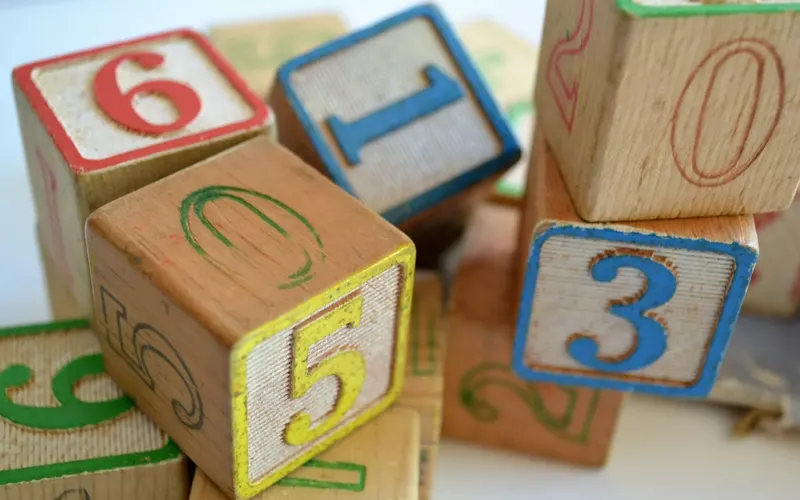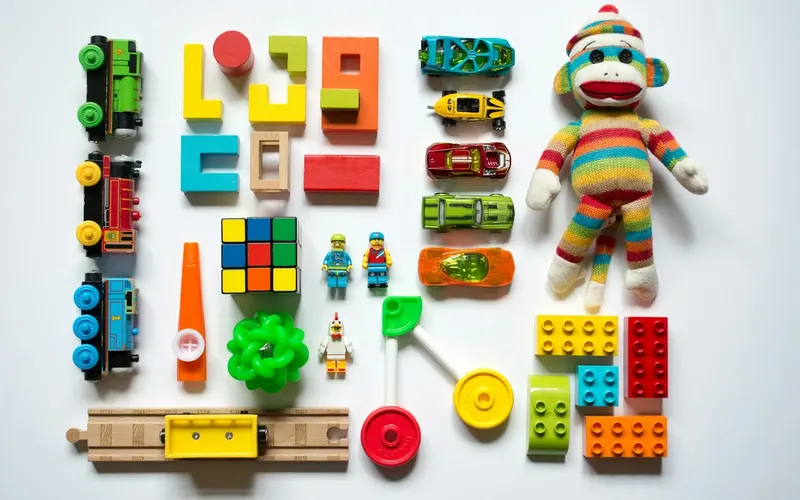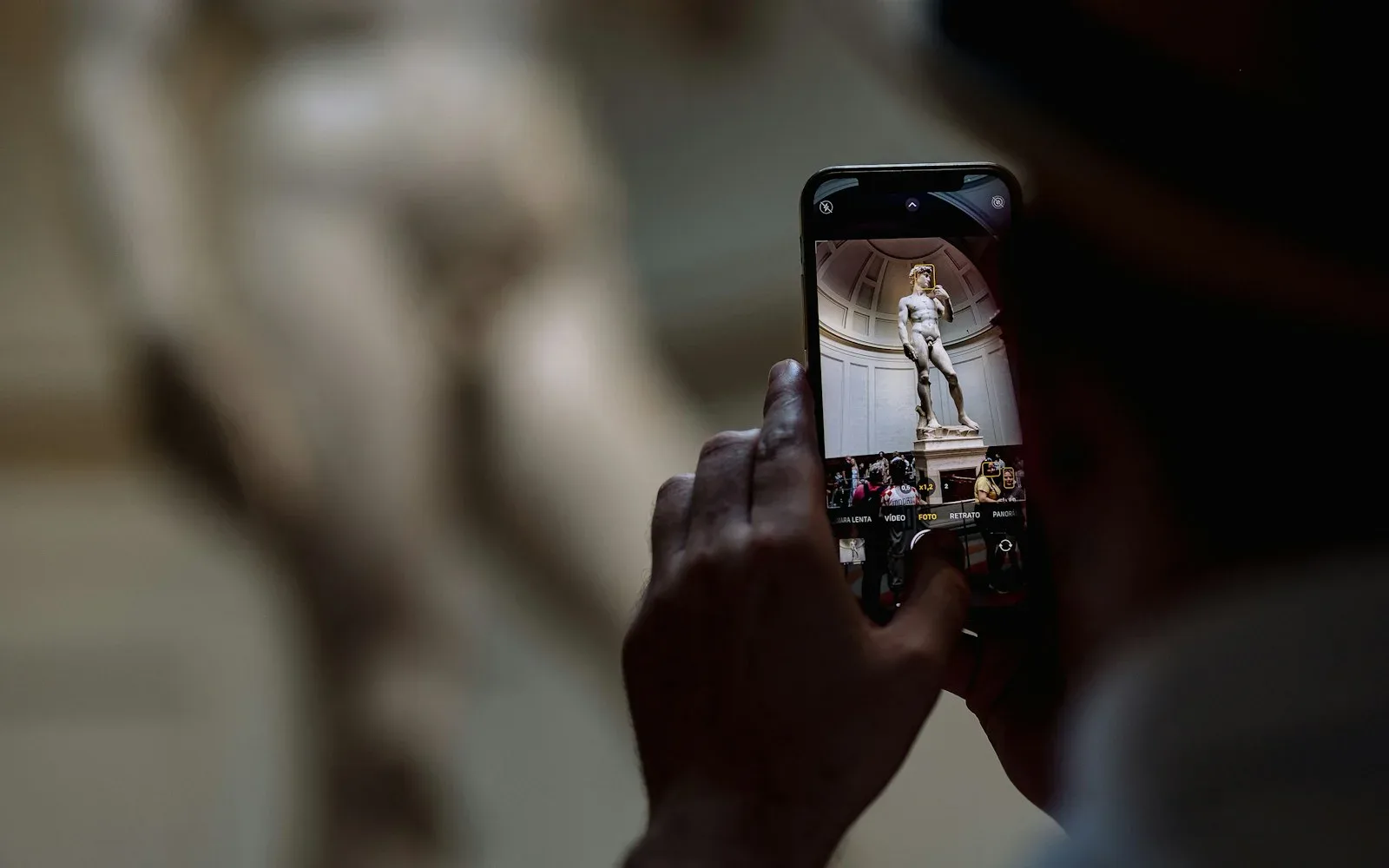
- Walk slowly around your subject with a splat capture app, keeping it in frame and the light steady.
- Export as PLY or SPZ and import it into Blender 5.3.
- Use it as a backdrop or reference: place your 3D product in front of it and match the camera.
- Relighting splats is still basic, so match your lights to the capture rather than the other way round.
Sources
Further reading from Digital Production. Read the original for full detail.