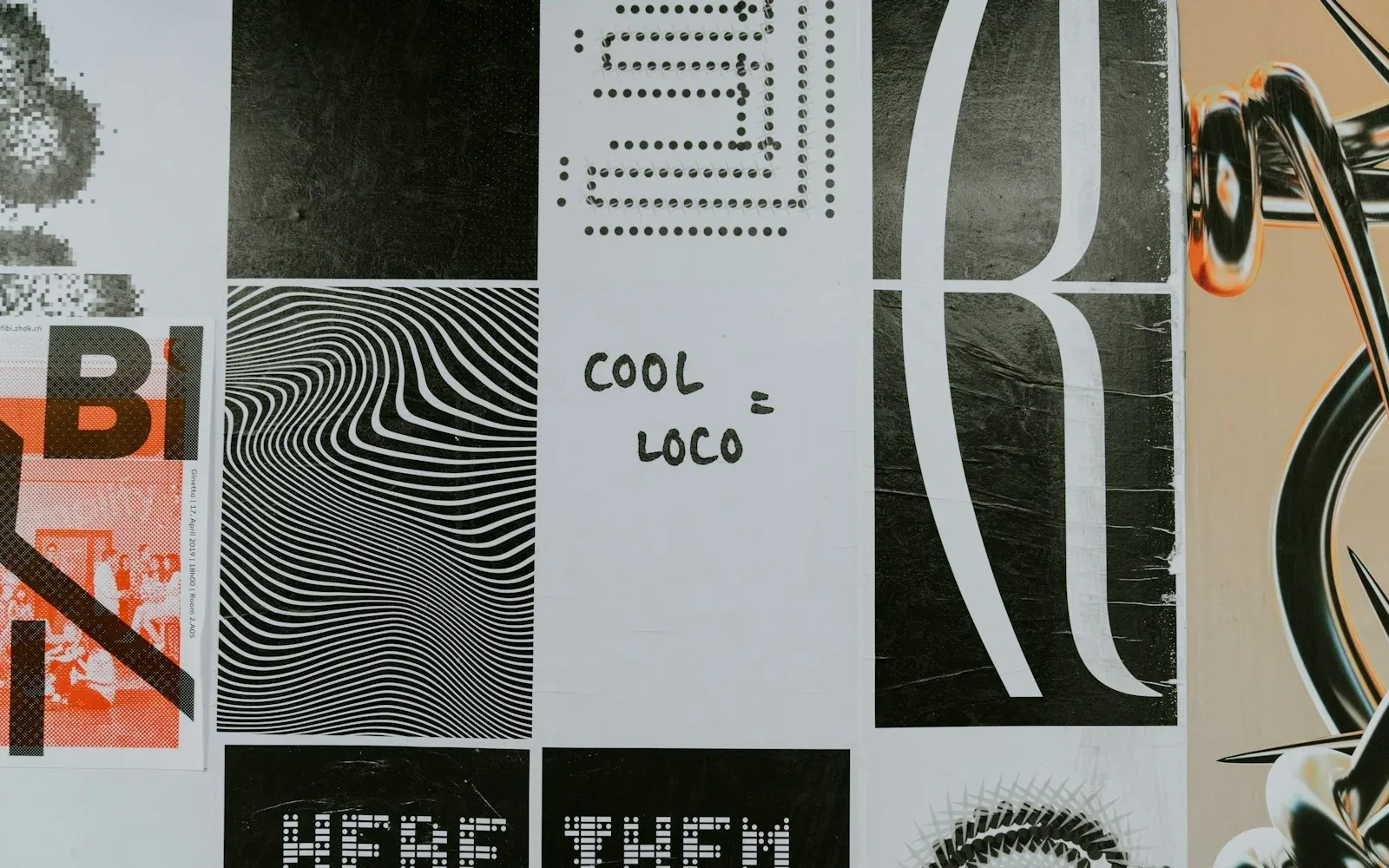
- Start from the largest, sharpest version of the image you can find. Blurry type matches the wrong font.
- Crop to the text area first, so the tool isn't distracted by the background.
- Check each matched font before you edit. A close match can still have different spacing.
- If the original font isn't available, ask the client for it rather than shipping a near-miss.
Sources
Further reading from Creative Boom. Read the original for full detail.